
Download OrangeCD Suite – music player, CD catalog, music collection, music database, music organizer
Overview
OrangeCD Suite is a specialized software package crafted for music enthusiasts seeking a streamlined way to manage and enjoy their music collections. Designed as a dual-component system, it combines the OrangeCD Player and the OrangeCD Catalog to deliver a cohesive experience for both listening and organizing music. The app’s primary purpose is to simplify the often time-consuming task of cataloging physical CDs by integrating automatic database linking during playback. This allows users to build a structured music library without manual data entry for every track. The target audience includes collectors, audiophiles, and anyone with a substantial collection of physical music media who wants to digitize and organize their library efficiently.
The developer, OrangeCD, has focused on creating a utility that bridges the gap between analog music storage and digital accessibility. While the developer’s background is not elaborated upon, the app’s release in 2014 suggests it was developed during a transitional period when physical media were still widely used but digital organization tools were gaining traction. Real-world use cases include cataloging a personal music archive, preparing a collection for digital backup, or syncing music metadata across devices. In the broader app ecosystem, OrangeCD Suite stands out as a niche but valuable tool for users who prioritize data accuracy and long-term organization over convenience-driven, cloud-first solutions.
Key Features & Functionality
- Integrated Music Player: The OrangeCD Player provides a clean, intuitive interface for playing audio CDs. As tracks are played, the software automatically attempts to match them with entries in the OrangeCD Catalog database, reducing the need for manual tagging.
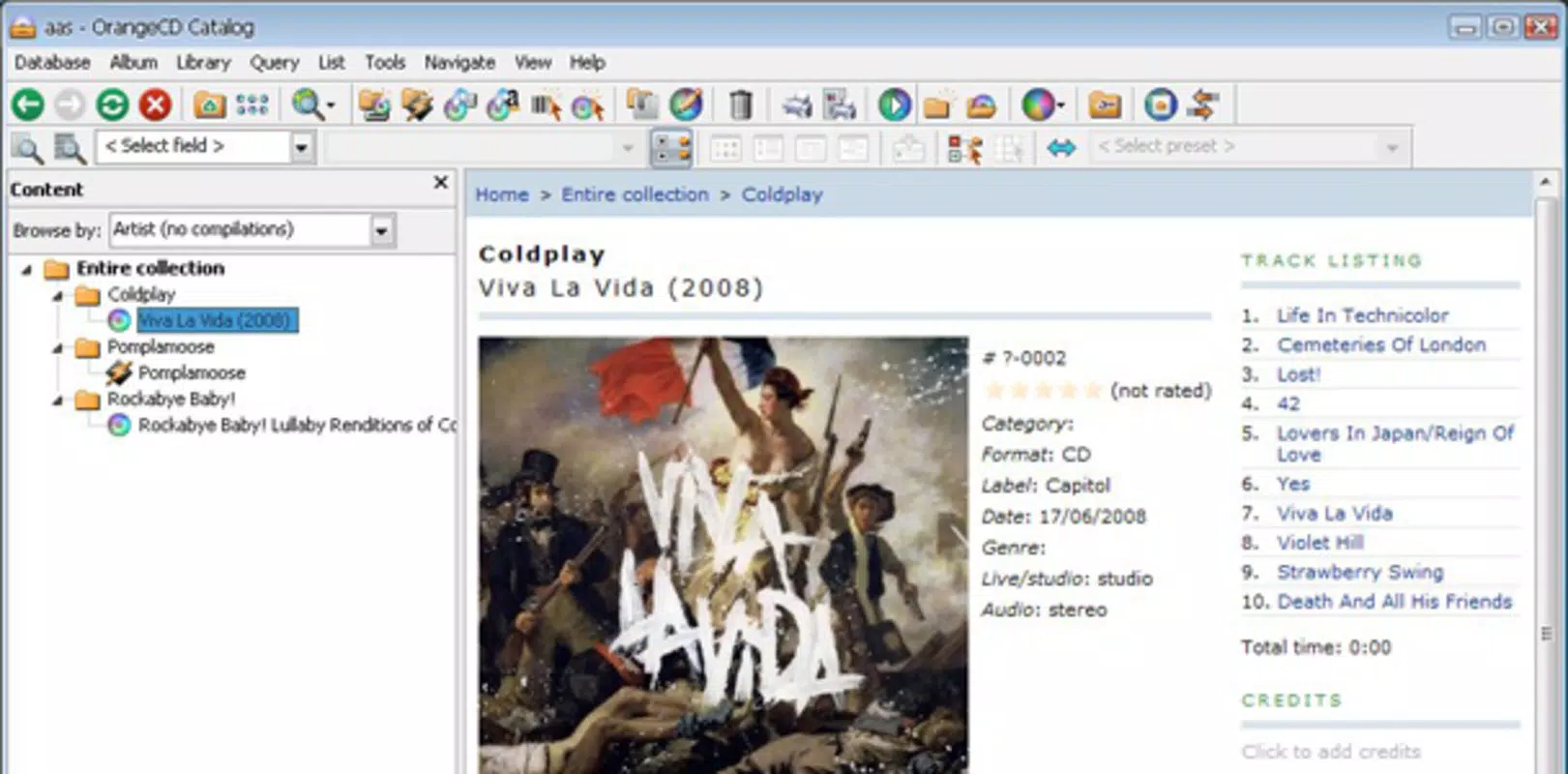
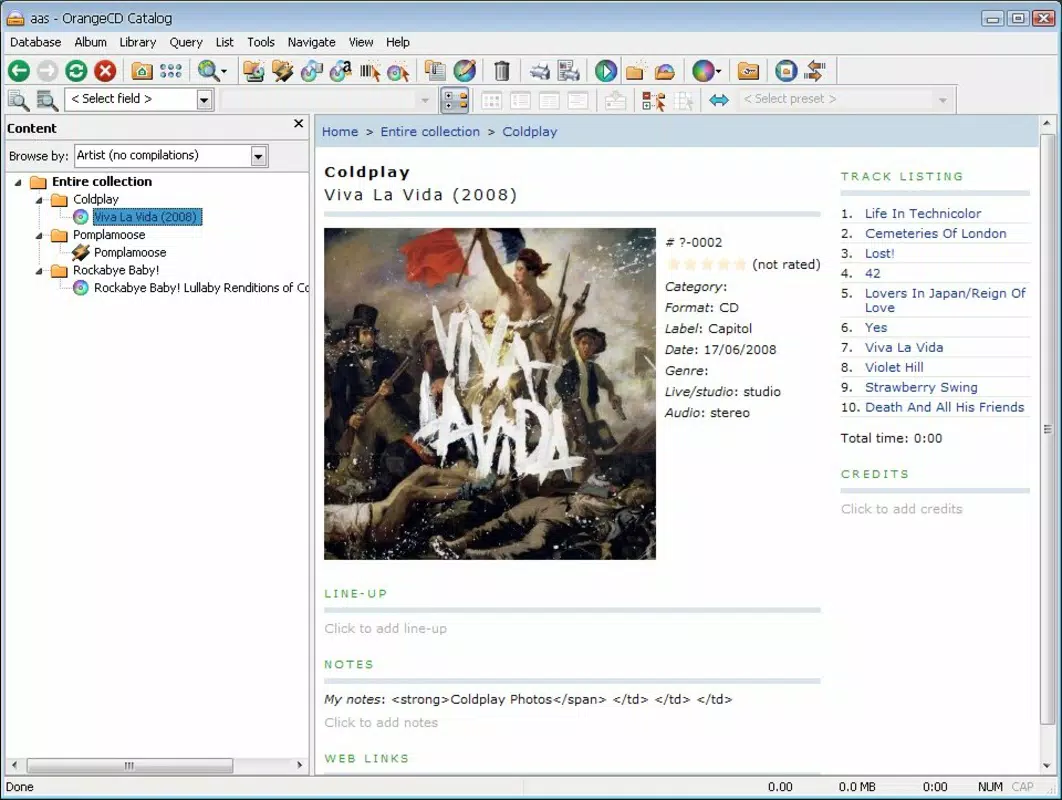
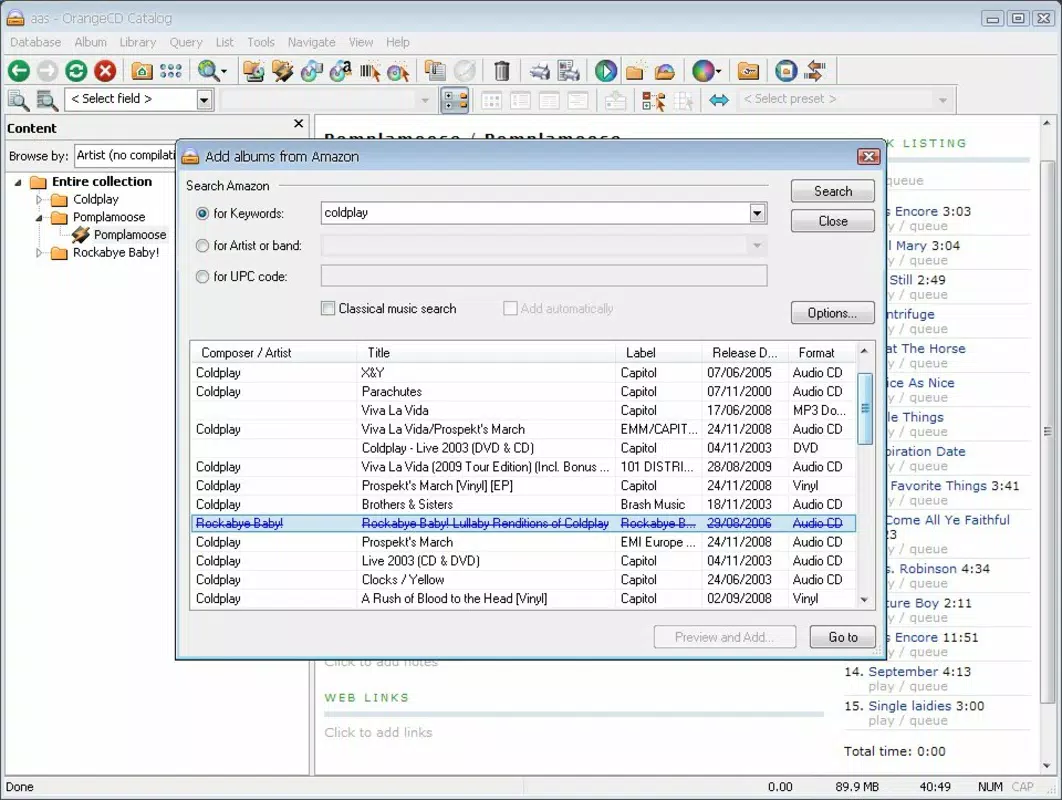
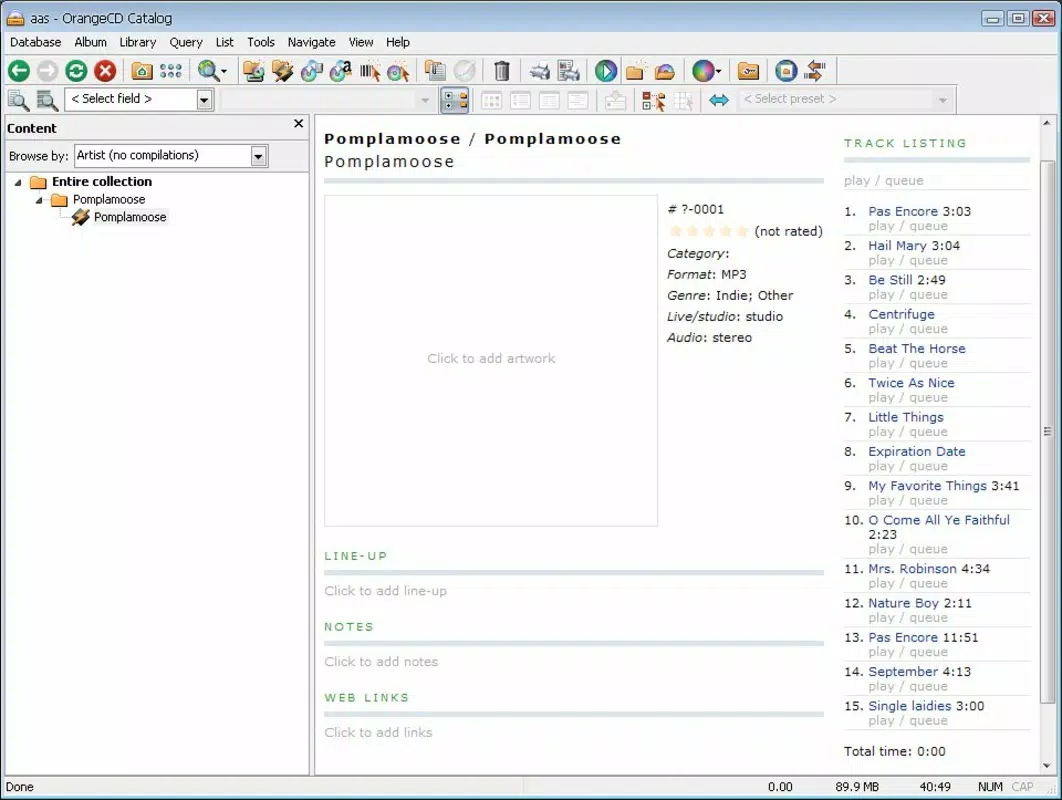
- Efficient Cataloging System: The OrangeCD Catalog enables users to organize music by CD, folder, or individual tracks. It supports integration with Amazon’s database, allowing for rapid metadata retrieval and accurate album information.
- Manual and Automated Options: Users can choose to manually input data or rely on the software’s automated search to compile metadata, offering flexibility based on user preference and collection size.
- User-Friendly Interface: Both components feature straightforward navigation and minimalistic design, minimizing learning curves and enhancing usability across different technical skill levels.
- Time-Saving Features: By linking songs and albums to a central database in real time, the suite significantly reduces the time required for cataloging, especially beneficial for large or diverse music libraries.
For example, a user with a collection of 200 CDs can begin playing one disc, and as each track plays, the system attempts to match it with existing entries. If a match is found, metadata such as artist, album title, and track names are automatically applied. If not, the user can manually enter or search for the correct data using Amazon’s database. This hybrid approach ensures both accuracy and efficiency.
Interface, UX & Performance
The user interface of OrangeCD Suite is designed with clarity and simplicity in mind. The layout of both the player and catalog components emphasizes functionality over visual flair, prioritizing ease of access to core features. Navigation is linear and predictable, with clearly labeled sections for playback controls, catalog browsing, and search functions. The visual style is consistent with early 2010s desktop software—functional, clean, and uncluttered, which contributes to a focused user experience.
Although the developer did not list formal performance metrics, the app’s lightweight nature—45.8 MB in size—suggests it is optimized for efficient operation on standard desktop systems. It is expected to run smoothly on machines with moderate processing power and RAM, particularly those running supported Windows versions. Responsiveness during playback and catalog navigation appears to be stable, with minimal lag reported in user feedback. The software maintains stability during extended use, though no information is available regarding crash rates or memory consumption over time. Compatibility with modern Windows systems is not fully disclosed, but the app’s age may impact performance on newer operating systems without additional compatibility layers.
Platform Compatibility & Technical Requirements
OrangeCD Suite is designed for the Windows platform and is available as a desktop application. The current version is 1.0.0, with a file size of 45.8 MB. The developer did not specify minimum OS requirements, nor did they list compatibility details for newer Windows versions such as Windows 10 or 11.
As such, users are advised to test the application on their system to ensure proper functionality. The software does not appear to require specific hardware beyond standard CD-ROM drives for optimal use, though no details were provided on peripheral dependencies. The price is listed as free, making it accessible to users seeking a no-cost solution for music organization.
Pros and Cons
Pros
- Free to download and use, making it accessible to budget-conscious users.
- Combines music playback and cataloging in a single, integrated suite.
- Supports automated metadata retrieval using Amazon’s database.
- Offers both manual and automatic cataloging options for user flexibility.
- Lightweight design with a small file size, suitable for older or low-resource systems.
Cons
- Platform limited to Windows; no support for macOS or Linux.
- Released in 2014, which may affect compatibility with modern operating systems.
- Developer did not provide detailed technical specifications or system requirements.
- Limited to physical CD playback; does not support digital music files directly.
- No information on update frequency or long-term maintenance.
FAQ
Is OrangeCD Suite safe to download and install?
Yes, the app is free and available from official sources. As with any software, it is recommended to download from trusted platforms and scan the file with antivirus software before installation.
Can I use OrangeCD Suite with digital music files?
The app is primarily designed for physical CDs. While it may support some digital formats, the core functionality focuses on CD playback and cataloging. Specific file format support was not disclosed.
Is OrangeCD Suite compatible with Windows 10 or Windows 11?
Compatibility information was not provided. The app was released in 2014, so it may require compatibility mode or additional configuration to run on newer Windows versions.
Does OrangeCD Suite require an internet connection?
Yes, an internet connection is needed for automated metadata searches, particularly when using Amazon’s database. Offline use is possible for playback and browsing, but full cataloging features may be limited.
How often is OrangeCD Suite updated?
The developer did not provide information on update frequency. As the app is over a decade old, it may not receive regular updates or security patches.
Final Thoughts
OrangeCD Suite remains a functional and purpose-built tool for music collectors who still rely on physical CDs. Its dual functionality—playing music while automatically building a structured database—offers a practical solution for organizing large or diverse collections. While its age and platform limitations are notable drawbacks, its free status and efficient workflow make it a worthwhile option for users seeking a no-frills, reliable cataloging system.
The app excels in simplicity and focus, delivering a clear value proposition: streamline your music library without unnecessary complexity. For those with a physical CD collection and a need for accurate, organized metadata, OrangeCD Suite provides a dependable, time-saving experience. Despite its outdated release date, it continues to serve a niche but important role in the music management landscape.
Download OrangeCD Suite now


